How to Use Boost
 Prerequisites
To use Boost, you need osETH in your wallet. osETH is StakeWise's liquid staking token — there are two ways to get it:
- One-click staking →: stake ETH on the Stake page ↗ and receive osETH in one transaction
- Staking with Vaults →: stake ETH in a Vault, then mint osETH against your stake
Boosting Process
- Head to the Vault page
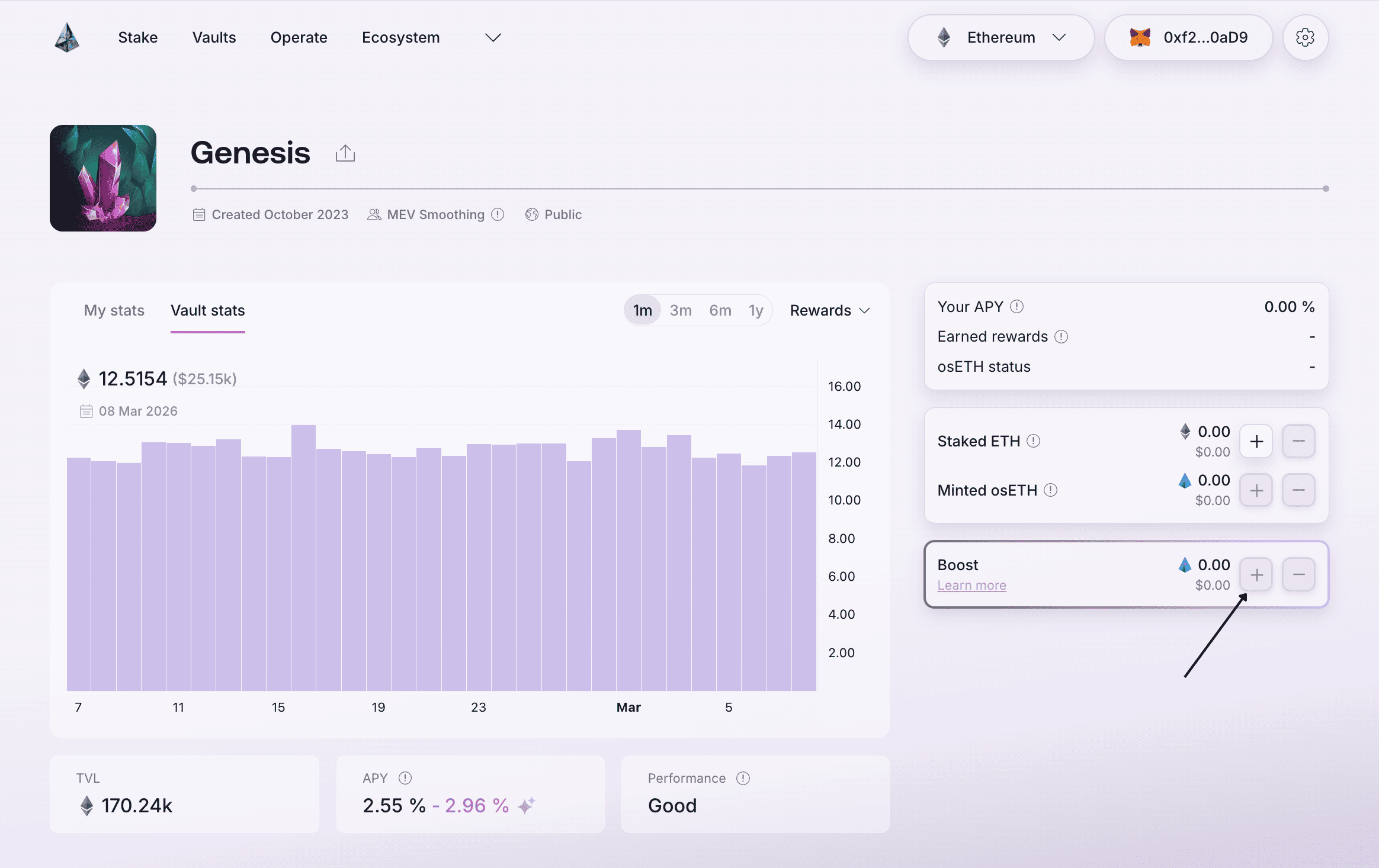
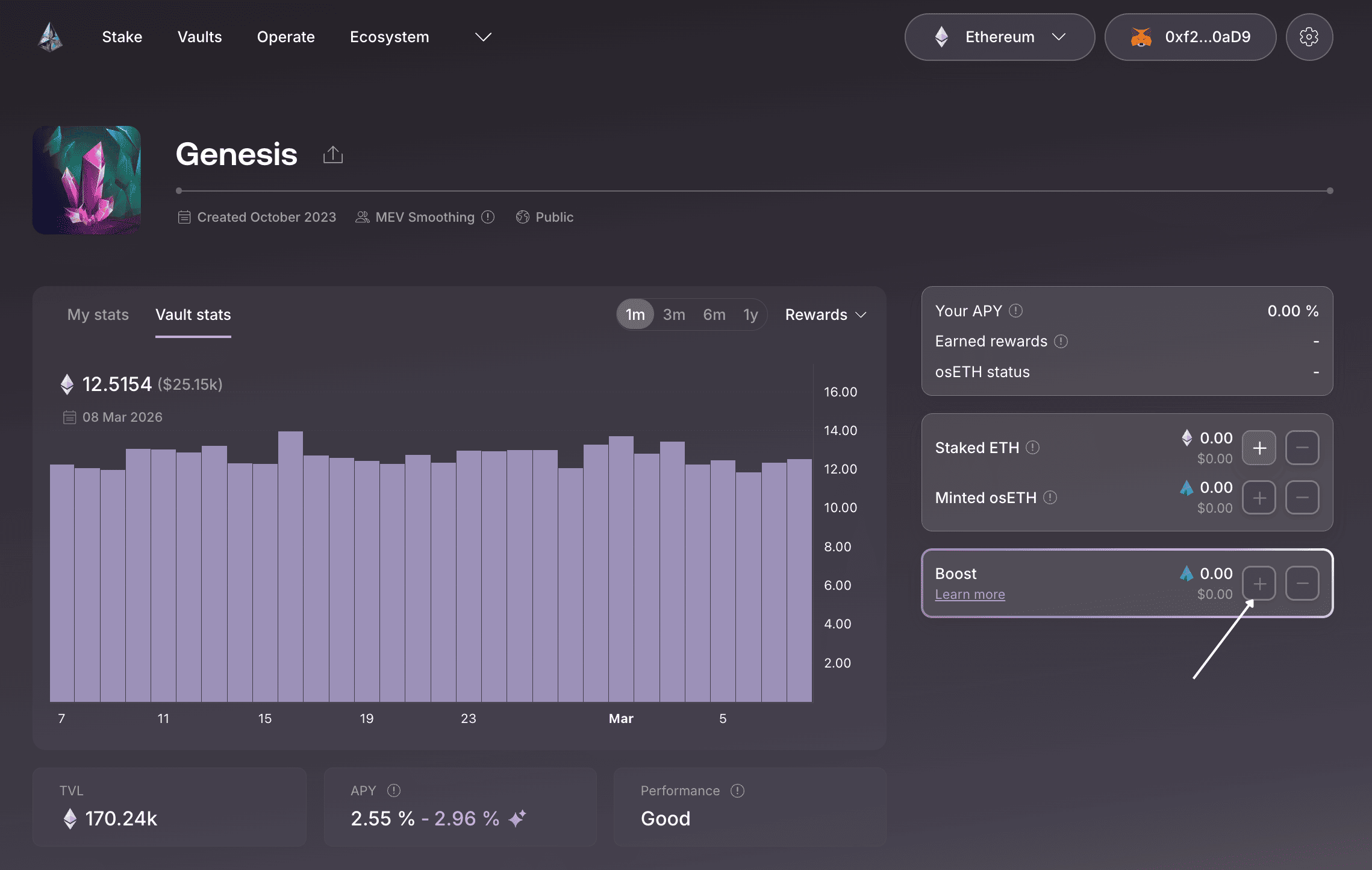
- Check the Boost APY displayed in the Vault to decide if it's a good time to enter
- Click plus (+) button to start the boost process
- Enter the amount of osETH to boost in the input field
- Review boost details and confirm the transaction in your wallet. You will be asked to sign a spending approval for osETH when boosting for the first time.
 Monitor Your Position
Periodically check on your Vault position to ensure the Boost APY is positive. If you see a negative Boost APY for longer than 7 days in a row, consider unboosting your position. Stay informed for real-time updates via the StakeWise Discord ↗.
Unboosting Process
- Head to the Vault page
- Click minus (–) button to start the unboost process
- Enter the amount of osETH to unboost in the input field
- Confirm the transaction – Your request enters the unboost queue, which takes up to ~10 days to complete. Only one unboost request can be active at a time.
- Claim your assets – Once processing is complete, click the Claim button on the Vault page. Claim as soon as assets become available to maximize your rewards.